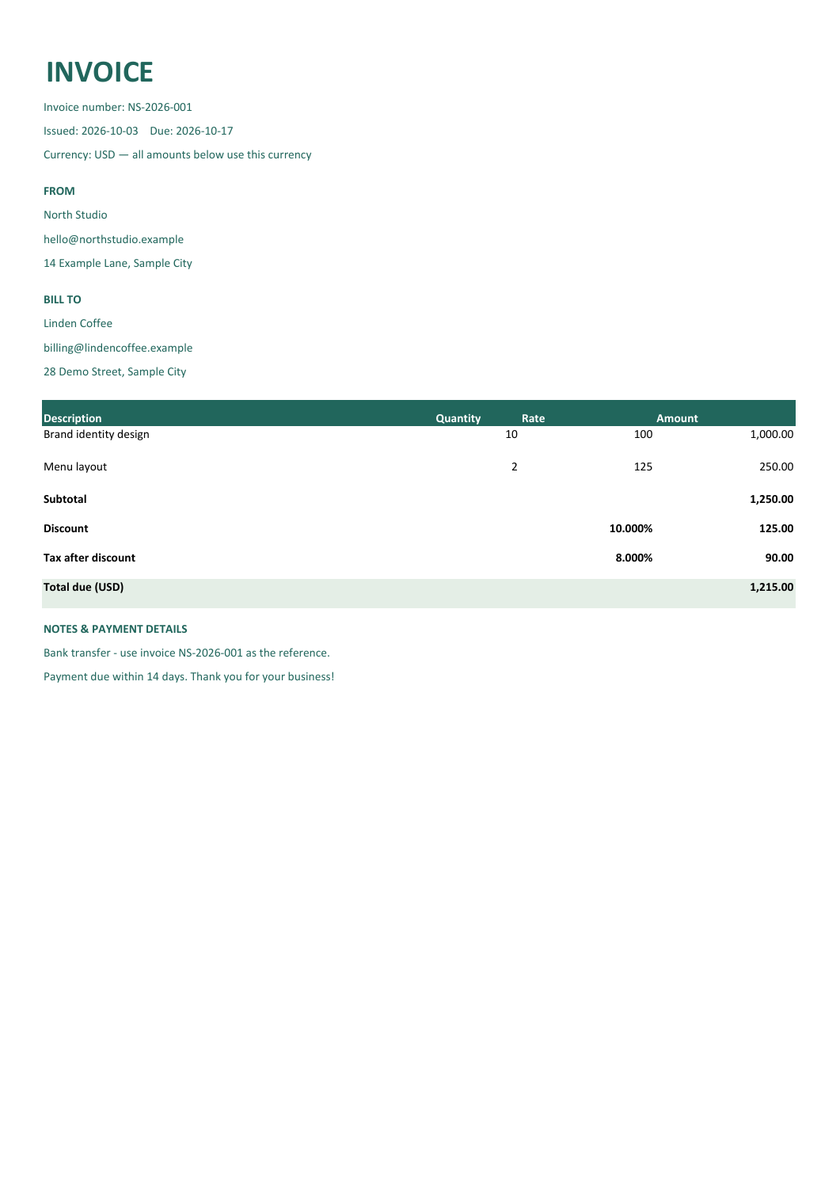
Modern Excel invoice
Forest green accents and a clear balance due. A confident choice for creative projects and independent businesses.
Filled example · Fictional data · Click image to enlarge
Build an invoice online and download an editable Excel workbook. Your XLSX includes the details you enter and formulas for line amounts, discount, tax and total due.
View 3 Excel invoice designs ↓You need Excel or a compatible spreadsheet app to edit the XLSX. Use the generator to add items or change currency; after editing formulas or inserting rows in Excel, check the totals.
Excel supports quantities with up to 3 decimal places, rates with up to 4, and tax or discount percentages with up to 3. Each amount and the total must be no more than $99,999,999.99. Very large quantity × rate combinations are also checked before download. PDF and Word support the editor's wider range.
Both logos are optional and appear above the corresponding business details. How to add your company logo
Tax is calculated after the discount. Each item amount, discount and tax is rounded to your currency's precision. Changing currency does not convert prices. Quantities are limited to 10,000 and rates to 1,000,000; higher entries are capped.
This template uses one tax rate for the whole invoice. Check any local requirements before sending.
Optional. Anyone using this browser may be able to read it. Your invoice details are not uploaded to us.
Actual exported examples with fictional details.
Choose a design for your invoice or download the sample.
Forest green accents and a clear balance due. A confident choice for creative projects and independent businesses.
Filled example · Fictional data · Click image to enlarge
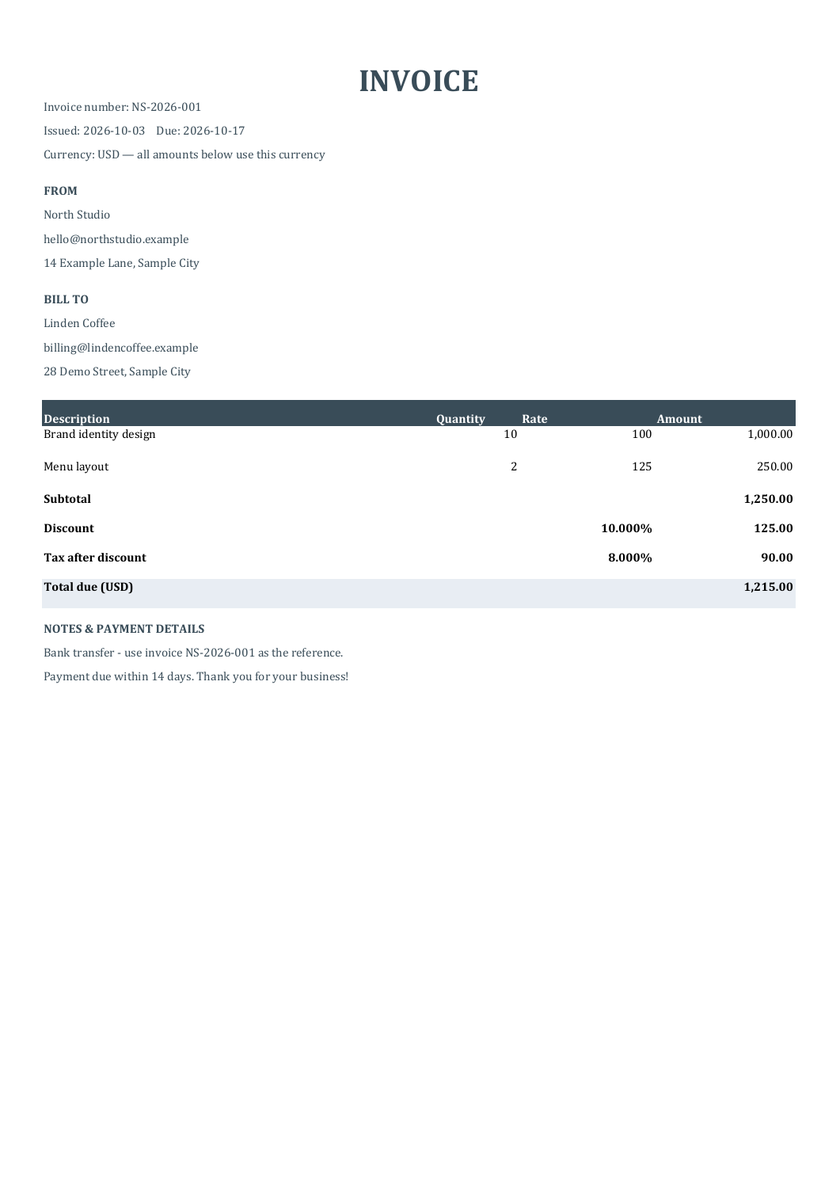
A formal navy palette with traditional typography. Suits consulting, professional services and regular client billing.
Filled example · Fictional data · Click image to enlarge
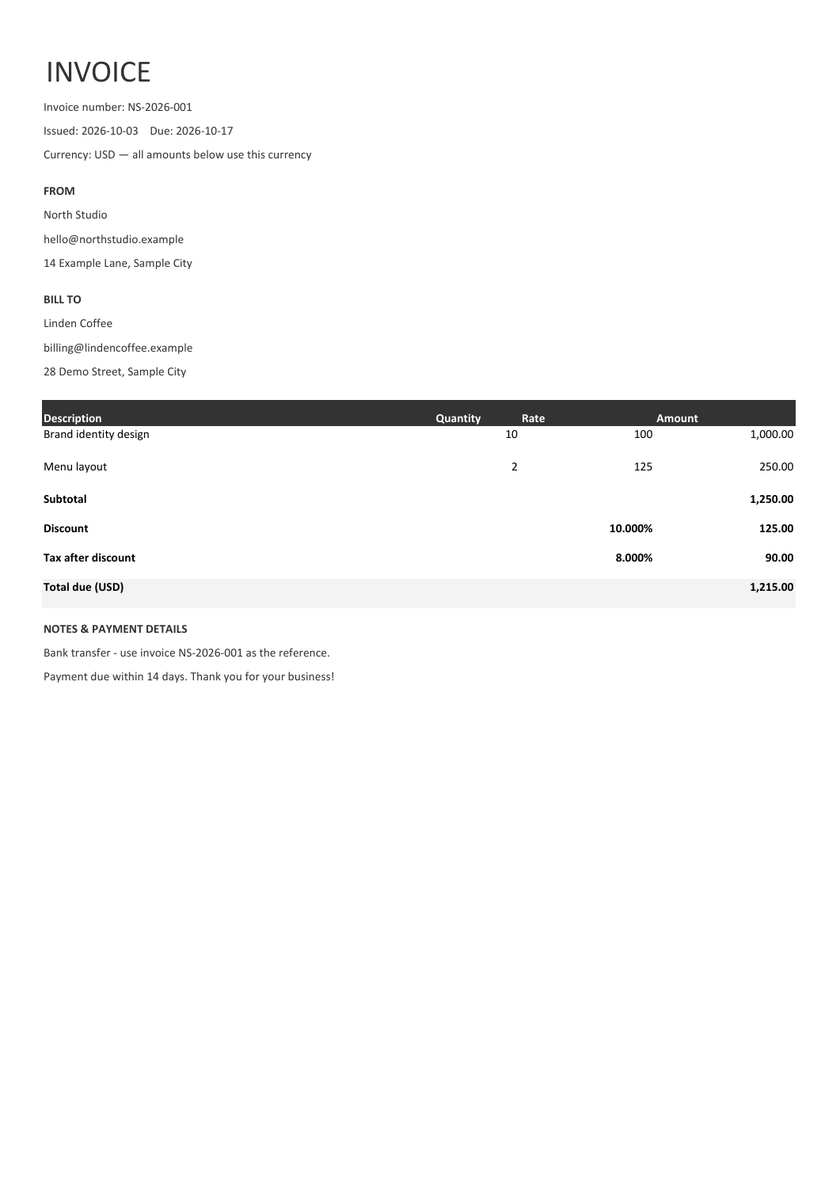
A quiet monochrome design with generous spacing. Keeps the focus on your work and makes a clean printed copy.
Filled example · Fictional data · Click image to enlarge
Use an XLSX invoice when you expect to revise hours, quantities or rates. A consultant can update billable hours after a client review; a supplier can change a quantity without retyping every total. The workbook includes your Invoice, an Editing guide and a Calculations sheet where you can inspect the arithmetic.
Each item multiplies quantity by rate and rounds to the currency’s precision. The subtotal adds those rounded line amounts. The workbook subtracts the percentage discount, applies tax to the discounted subtotal, and calculates the balance due. Quantities and rates remain editable numeric cells.
With the fictional sample, 10 × 100 and 2 × 125 produce a subtotal of 1,250. A 10% discount removes 125; 8% tax on 1,125 adds 90. The total is 1,215 USD. Load “Use sample” and download XLSX to inspect these calculations yourself.
Keep the XLSX as your working copy. Existing descriptions, quantities, rates and percentages are editable; formulas are protected from accidental replacement. Use up to 3 decimal places for quantities, 4 for rates and 3 for tax or discount percentages. The form shows the amount limit for your currency before download. Values outside these limits show a clear message instead of being silently rounded.
Long descriptions and addresses continue into additional rows. If you add text in Excel, adjust the row height and check print preview. For new items or another currency, return to this generator. You can remove the sheet protection without a password, but changes to formulas or inserted rows require a full review of the calculations.
For a client copy with a fixed layout, save a PDF from Excel after checking print preview, or use the PDF invoice generator. Prefer to start directly in a spreadsheet? Download the blank Excel invoice template. Our Google Sheets guide explains importing an XLSX.
Choose “Use sample” above to load a fictional North Studio invoice for Linden Coffee. It includes two items, a discount, tax and payment notes, with a total of $1,215. Download XLSX to see the result using the same generator as your own invoice. Replace the fictional details before sending.
Yes. Upload a PNG, JPG or WebP image under Your business logo or Client logo. Adjust each logo’s size and alignment separately. Both are optional and included in the downloaded invoice and JSON backup. Use sample logos to try a fictional example.
Yes. The XLSX includes formulas for each line amount, subtotal, discount, tax and total. Your original calculated amounts are saved in the workbook too. Excel recalculates formulas when you open or edit it.
Each item amount is rounded first, then added to the subtotal. The percentage discount is subtracted before the single invoice-wide tax rate is applied. Discount and tax cells use percentages: enter 10% for ten percent.
You can upload the XLSX to Google Drive and open it in Google Sheets. Check imported formulas, formatting and print settings before relying on the result. This download is an Excel file, not a native Google Sheets document.
For the simplest workflow, add items or change currency in the generator and download again. If you insert rows in Excel, check the amount formulas and subtotal range. Changing the currency label alone does not convert prices or update rounding.
No. The generator restores its own JSON backups, not edited XLSX files. Keep the spreadsheet for work in Excel and download a separate JSON backup if you need to return to the online form.