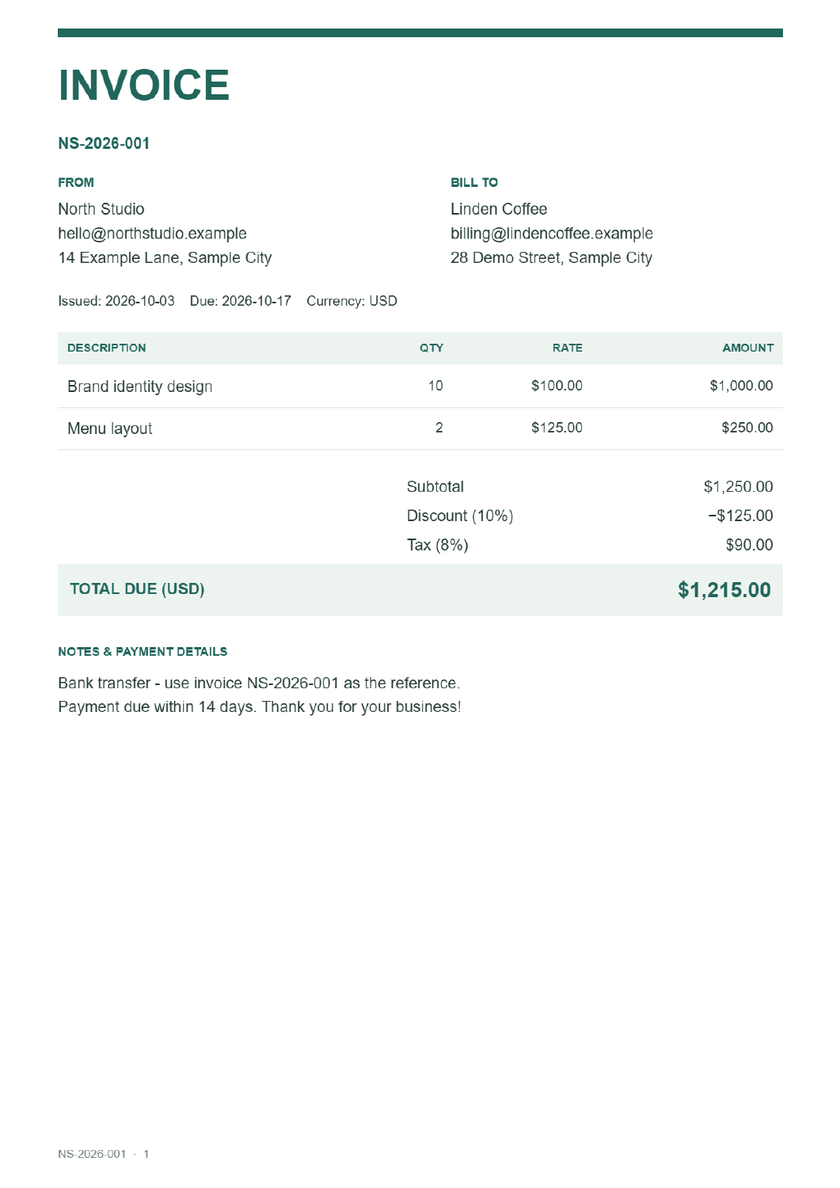
Modern PDF invoice
Forest green accents and a clear balance due. A confident choice for creative projects and independent businesses.
Filled example · Fictional data · Click image to enlarge
Fill in your invoice and download PDF, Word or Excel. Free, with no account needed.
Both logos are optional and appear above the corresponding business details. How to add your company logo
Tax is calculated after the discount. Each item amount, discount and tax is rounded to your currency's precision. Changing currency does not convert prices. Quantities are limited to 10,000 and rates to 1,000,000; higher entries are capped.
This template uses one tax rate for the whole invoice. Check any local requirements before sending.
Optional. Saved drafts, contacts and your last downloaded or previewed invoice stay in this browser. Anyone using this browser may be able to read them. Your invoice details are not uploaded to us.
Actual exported examples with fictional details.
Choose a design for your invoice or download the sample.
Forest green accents and a clear balance due. A confident choice for creative projects and independent businesses.
Filled example · Fictional data · Click image to enlarge
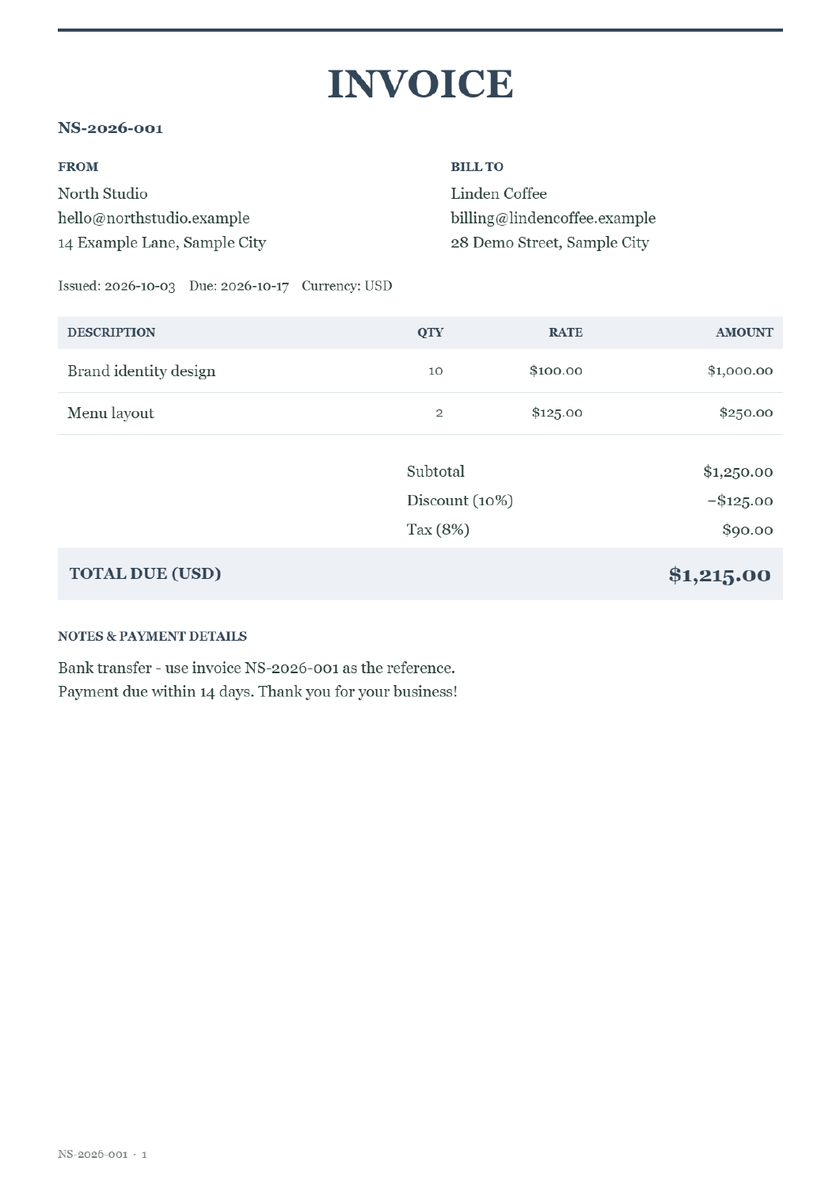
A formal navy palette with traditional typography. Suits consulting, professional services and regular client billing.
Filled example · Fictional data · Click image to enlarge
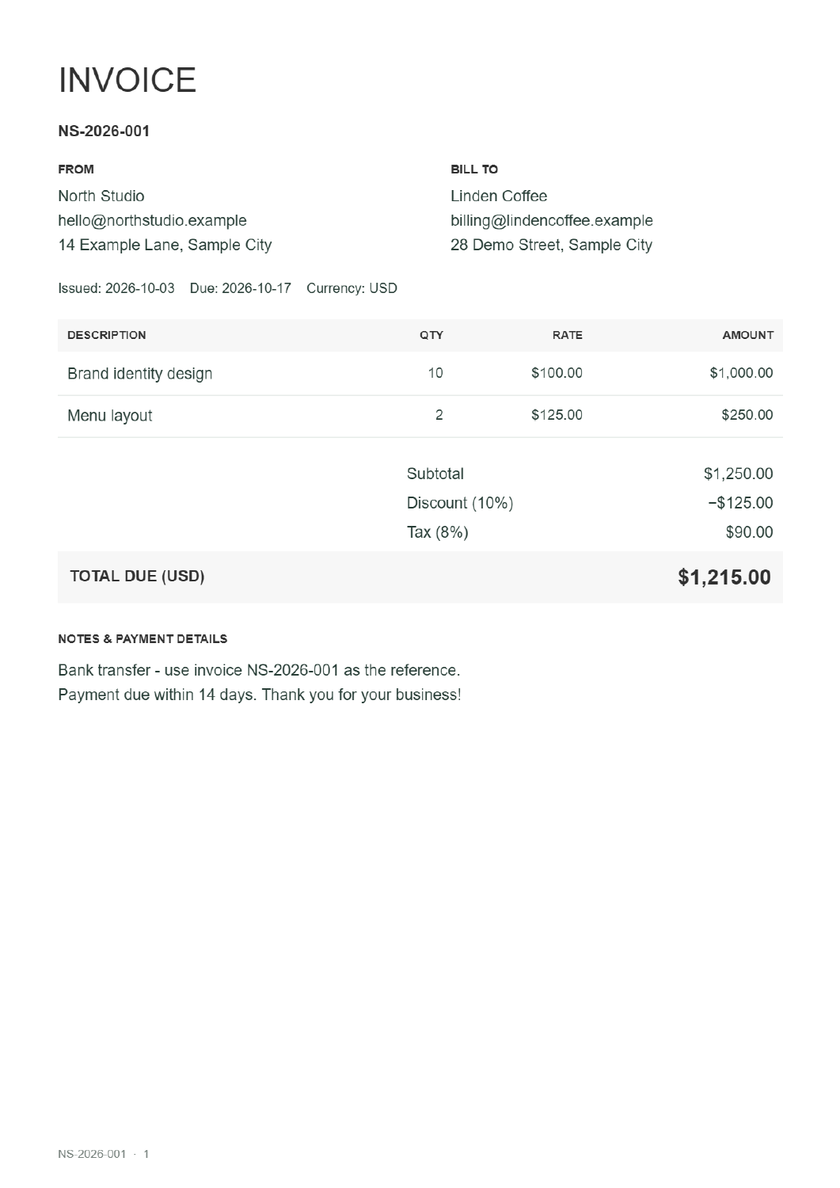
A quiet monochrome design with generous spacing. Keeps the focus on your work and makes a clean printed copy.
Filled example · Fictional data · Click image to enlarge
Choose PDF when the amounts and wording are final. It gives your client a document to read or print without changing the calculations. Freelancers can attach it to a project handover; small businesses can keep a copy alongside their sales records.
Need a blank invoice to fill in by hand? Download the printable blank PDF invoice template.
Download PDF creates a paginated invoice with text your client can select, copy and search, including the invoice number, amounts and payment details. Choose Preview & print PDF to review the same page layout. Download the PDF to keep its searchable text; printing from the image preview may produce an image-only copy.
Need to revise wording after downloading? Choose Download Word above for an editable document. Choose Download Excel when you want quantities and rates to recalculate in your spreadsheet. Both use the invoice you have already filled in.
Open the actual PDF and check the recipient, invoice number, currency, total and payment details. Long invoices may span several pages. The tool does not mark invoices as paid, track payment status or send reminders.
Choose “Use sample” above to load a fictional North Studio invoice for Linden Coffee. It includes two items, a discount, tax and payment notes, with a total of $1,215. Download PDF to see the result using the same generator as your own invoice. Replace the fictional details before sending.
Yes. Upload a PNG, JPG or WebP image under Your business logo or Client logo. Adjust each logo’s size and alignment separately. Both are optional and included in the downloaded invoice and JSON backup. Use sample logos to try a fictional example.
Yes. The downloaded PDF keeps selectable, searchable text for invoice numbers, names, amounts and payment details. Edit the invoice here and download a new PDF when you need to change it.
Yes. Fill in the form and download the PDF without creating an account. The invoice is generated in your browser, and your entered details are not uploaded to us.
The downloaded PDF is a completed invoice, not a fillable form. Edit the details here and generate a new PDF. Download a JSON backup before leaving if you want to restore the invoice later.
Choose Preview & print PDF to review your invoice, then print it from the preview. Check every page and choose the paper size and printer before printing.
No. Download the invoice, review it, and attach it to an email using your usual email app. This tool does not send emails or provide payment links.